
Generating SSCC-18 Labels in a Multi-Tenant Platform
Learn to generate GS1-128 SSCC-18 pallet labels in a multi-tenant carrier platform: AI structure, Mod-10 checks, ZPL output, and tenant-safe serials.

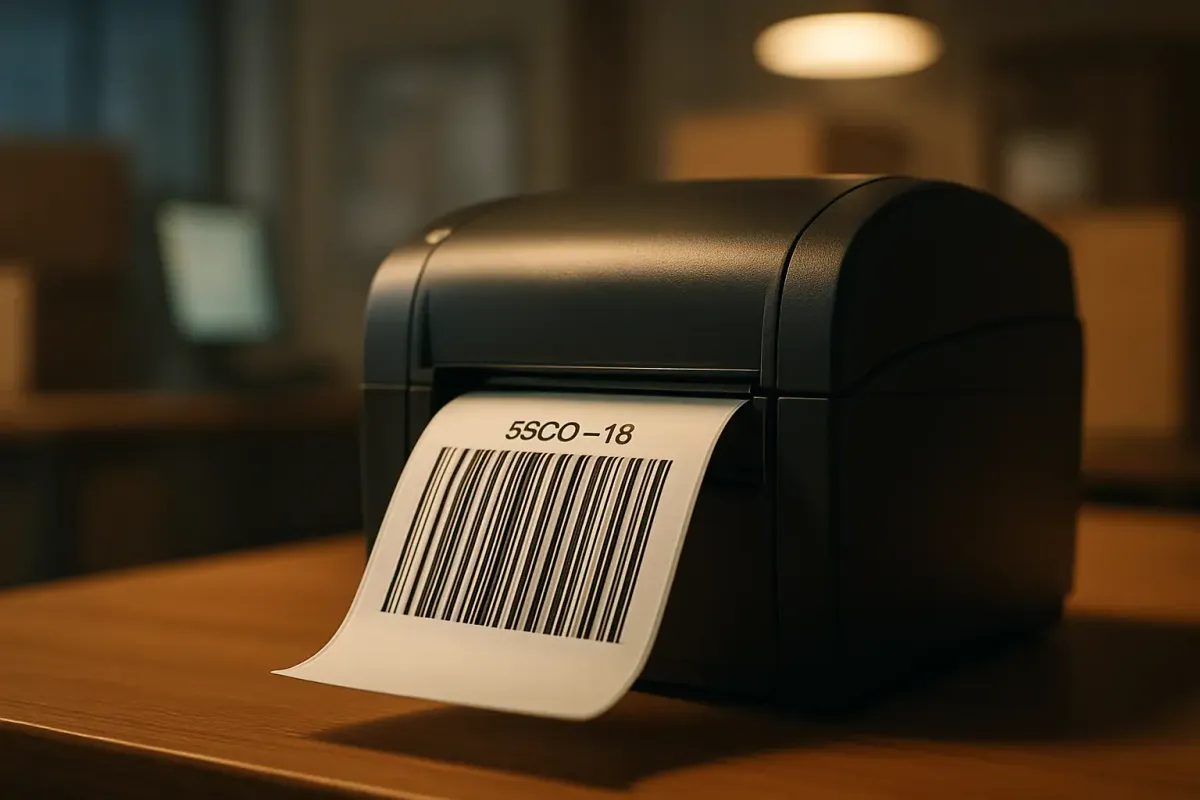
Every major retailer, including Walmart, Amazon, Target, Home Depot and Kroger, requires GS1-128 barcodes on shipping labels, and the SSCC-18 encoded inside that barcode is what a distribution centre scans to reconcile a physical pallet against the electronic ASN. If you run a carrier integration platform, sooner or later a tenant without a WMS will ask you to generate that label for them. This is a walkthrough of building SSCC label generation into a multi-tenant middleware adapter: constructing the AI(00) structure, computing the Mod-10 check digit, rendering ZPL and PDF, and keeping serial numbers from colliding across tenants who share your infrastructure but not a GS1 company prefix.
Why SSCC generation belongs in the integration layer, not the WMS
Shippers without a warehouse management system still need compliant pallet labels, which pushes SSCC generation up into whichever platform sits between them and the carrier or retailer. The GS1-128 barcode, formerly known as UCC-128 or EAN-128, is built on the Code 128 symbology but adds Application Identifiers (AIs) that tell scanning systems exactly what type of data follows, which is what separates it from a plain barcode. AI (00) is the identifier reserved specifically for the SSCC-18, and the SSCC-18 encoded in that barcode links the physical carton or pallet to the electronic Advance Shipment Notification, enabling automated receiving at the distribution centre.
The failure mode you're building against is a mismatch between what's printed and what's transmitted. If the SSCC on the label doesn't match the SSCC listed in the ASN, the shipment becomes effectively invisible to the retailer's automated systems, forcing a manual scan-failure workflow that leads to receiving delays and compliance chargebacks. At Amazon specifically, this gets categorised under ASN accuracy or No Carton Content Label chargebacks. Generating the label and the ASN reference from the same code path in your adapter is the whole point of owning this in the integration layer.
Before you start: what you need
You need four things in place before you write a line of adapter code, and none of them are optional.
- A GS1 company prefix for each tenant, issued by their national GS1 member organisation. Prefix length varies between 7 and 10 digits depending on how many items the tenant needs to number.
- An extension digit and serial reference scheme. The 18-digit SSCC structure is an extension digit (typically 0), followed by the GS1 Company Prefix, a serial reference number, and a check digit, and the serial number itself runs 6 to 9 digits depending on how long the GS1 company prefix is.
- A Code 128 rendering path, either a library such as ZXing/BWIP-JS server-side, or native ZPL support on the tenant's thermal printer firmware.
- Confirmation of which volume tier you're serving. EDI applications almost always generate the SSCC after retrieving the shipment data electronically, which is roughly how a WMS-integrated shipper works today. Mid-volume shippers without that infrastructure are exactly who your adapter needs to serve instead.
Steps 1–3: constructing the SSCC-18 and its check digit
Building a valid SSCC means concatenating four fields into 17 digits, then computing a single Mod-10 check digit to fill the 18th. Get the concatenation order wrong and every pallet from that tenant fails to scan at the DC.
- Concatenate the extension digit, the tenant's GS1 company prefix, and the next serial reference from the tenant's counter, left-padded so the total is exactly 17 digits.
- Run the 17-digit string through the Mod-10 weighting algorithm: starting from the rightmost digit, multiply alternating digits by 3 and 1, sum the results, then subtract the sum modulo 10 from 10 (using 0 if the remainder is already 0).
- Append the check digit as the 18th and final character, and prefix the whole string with AI (00) for encoding.
Vendors publish this exact worked method: entering the text (00)123456789012345678 produces a GS1-128 symbol for AI 00, but the platform replaces whatever check digit you typed with the correct one, in this case 5 instead of the 8 you entered. That's your regression test target, not a real prefix. Note also that the Application Identifier itself is not included in the Mod-10 calculation, only the 17 data digits are, and every GS1-128 symbol needs the FNC1 character immediately after the Start Code to tell downstream scanners the AI syntax is coming. A minimal implementation:
function sscc18CheckDigit(digits17) {
  let sum = 0;
  for (let i = 0; i < 17; i++) {
    const d = Number(digits17[digits17.length - 1 - i]);
    sum += (i % 2 === 0) ? d * 3 : d;
  }
  const mod = sum % 10;
  return mod === 0 ? 0 : 10 - mod;
}
// sscc18CheckDigit("00123456789012345") === 5
Steps 4–6: tenant-safe serial allocation
In a single-tenant setup the only risk is arithmetic. In a multi-tenant platform the real risk is two tenants issuing the same serial reference, which happens the moment your counter logic isn't scoped and locked per tenant. No two cartons anywhere in the global supply chain should carry the same SSCC-18, and that constraint has to be enforced at the database layer, not by convention.
- Write the fully-built SSCC to an issuance ledger before you return it to the caller, keyed by the request's idempotency key. If the print call is retried, you replay the ledger row instead of drawing a new serial.
Increment atomically inside the same statement that reads the value, so two concurrent label requests can't read the same serial:
UPDATE tenant_sscc_counters
SET last_serial = last_serial + 1, updated_at = now()
WHERE tenant_id = $1 AND gs1_prefix = $2
RETURNING last_serial;
On Redis, a plain INCR on a key namespaced by tenant and prefix gives you the same atomicity without a round trip to Postgres.
Create a counter table keyed on tenant and GS1 prefix, not just tenant, since some tenants run multiple prefixes for different brands:
CREATE TABLE tenant_sscc_counters (
  tenant_id UUID NOT NULL,
  gs1_prefix VARCHAR(10) NOT NULL,
  extension_digit CHAR(1) NOT NULL DEFAULT '0',
  last_serial BIGINT NOT NULL DEFAULT 0,
  updated_at TIMESTAMPTZ NOT NULL DEFAULT now(),
  PRIMARY KEY (tenant_id, gs1_prefix)
);
Failure mode: if a counter table gets rolled back or reset after a failed deploy, the next request re-issues serials that were already printed and shipped. The fix is a reconciliation job that runs before every print batch, cross-checking the SSCC you're about to issue against the shipment log for that tenant, and refusing to print (rather than silently reprinting) on a collision.
Steps 7–9: rendering the barcode and the label
Once you have a valid 18-digit code with AI (00), the rendering step is separate from the numbering step, and should be pluggable per tenant. A label printing API typically takes a POST with the shipment data and returns a PDF file that can be sent straight to a compatible printer, which is one reasonable fallback path when a tenant has no thermal printer configured. For tenants that do have thermal hardware, ZPL is the more common output:
^XA
^FO50,50^BY3
^BCN,100,Y,N,N
^FD>:>800(00)10012345678901234565^FS
^FO50,170^A0N,30,30
^FD(00) 1 0012345678901234565^FS
^XZ
Watch your print density before you blame the barcode logic. Print templates are commonly built for 8 dpmm (203 dpi), and if a label comes out much too big or too small, the fix is usually the printer's density setting, not the ZPL payload. And whatever GS1 prefix field you expose in tenant configuration has to be mandatory, not optional: the GS1 prefix field on the company or subsidiary record must be filled in to generate a valid SSCC18 serial and barcode. Output both ZPL and PDF from the same numbering call, so downstream multi-carrier shipping integrations such as Cargoson, nShift, EasyPost or ShipEngine can each pick up whichever print path a given tenant's warehouse actually uses.
| Generation point | Typical volume | Who computes the check digit | Main risk if unmanaged |
|---|---|---|---|
| WMS pick-and-pack | High | WMS, at pack time | Low, since label and ASN share one system |
| EDI network label API (e.g. Orderful) | Mid to high | The API, from a configured GS1 prefix | Prefix misconfiguration at account level |
| Standalone SME tool (e.g. GS1 Ireland's Logistics Label Tool) | Low | The tool, per manual label | Serial reuse without a shared counter |
| Multi-tenant carrier integration platform | Mixed, per tenant | Your adapter, per tenant counter | Cross-tenant serial collision |
GS1 Ireland's Logistics Label Tool was built specifically for small and medium businesses that need to generate SSCC pallet labels without installing dedicated software, which is the workflow your platform is effectively replacing at scale once a tenant outgrows one-off labelling.
How you know it worked
- Run the generated code through a GS1-compliant validator and confirm the Mod-10 digit matches what your function produced, using the same (00)123456789012345678 test case where the correct check digit is 5 as your baseline.
- Correctness of check digits for GS1 identification keys such as GTIN and SSCC is part of standard GS1 label verification, so include this in whatever pre-print validation step you run per tenant.
- Query your issuance ledger for duplicate SSCCs across all tenants over a rolling 30-day window. Zero is the only acceptable count.
- Confirm the DC accepts the ASN without a labelling chargeback, since the SSCC is what provides the link between the physical unit and the EDI ASN in the first place.
Common failure mode: prefix handling errors at onboarding, not at print time
The most damaging SSCC bugs aren't in the check-digit maths, they're in how a tenant's GS1 prefix gets entered and stored. A prefix that's silently truncated, padded, or reformatted during onboarding shifts every digit position downstream of it, which changes the input to your Mod-10 function without changing its output correctness, meaning the barcode still validates internally but no longer matches the prefix GS1 actually issued to that company. Because prefix length legitimately varies between 7 and 10 digits, a naive fixed-width field or a copy-paste from a PDF licence certificate is where this goes wrong. The fix is to validate prefix length and format against the tenant's GS1 record at onboarding time, with a hard reject on save, rather than discovering the mismatch when a batch of pallets bounces at the DC weeks later.
Next steps
Build the check-digit function first and pin it against the published worked example before you touch tenant infrastructure. Then stand up the per-tenant counter table with an atomic increment, and only after both of those pass their tests should you wire in ZPL and PDF rendering. Add the prefix-length validation to your onboarding form on day one, not as a follow-up ticket, since that's the failure mode that costs you a chargeback conversation with a retailer rather than a failed unit test.